Visit your friends' shops every day! Collect gold from the mailbox and open treasure chests.
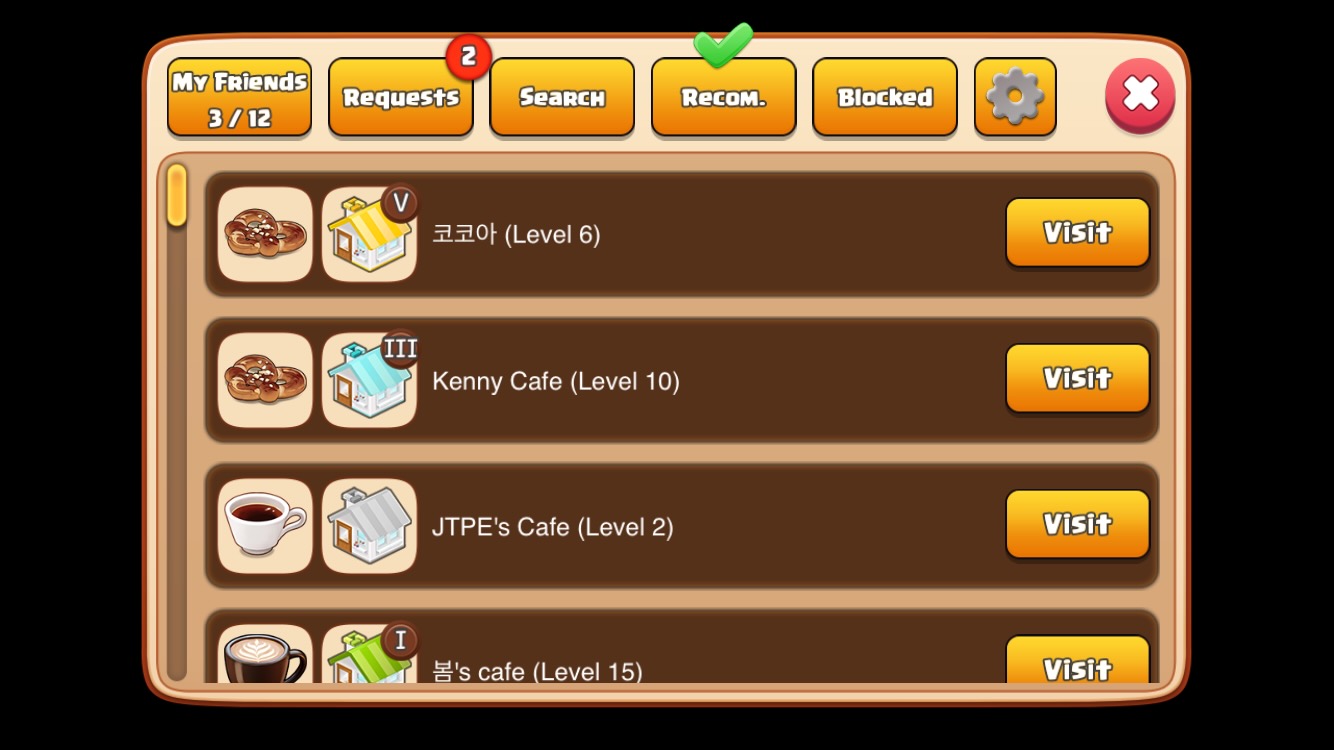
Visit a friend's shop by tapping the 'Visit' button.
Tap the gold above the mailbox in your friend's shop to collect it.
Open the treasure chest in the open area on the left side of your friend's shop to receive various rewards.
| Friend Capacity | You can add up to Level + 6 friends. (Maximum 50 friends) |
| Requirement | Starting the day (KST) after becoming friends, you can perform social activities once per day at your friend's shop. |
| Availability Indicator | If the gold icon and treasure chest icon are visible, social activities are available. |
| Mailbox Reward (Gold) | The amount of gold you receive from the mailbox varies depending on your friend's shop management level. (50–340 Gold) |
| Treasure Chest Rewards | Opening a treasure chest grants a random reward such as Coco, Gold, Parts, Paint, or Potions. |
| Your friend's grade | Mailbox Reward (Gold) |
| Newbie | 50 |
| Seed | 100 / 110 / 120 / 130 / 140 |
| Sprout | 150 / 160 / 170 / 180 / 190 |
| Leaf | 200 / 210 / 220 / 230 / 240 |
| Branch | 250 / 260 / 270 / 280 / 290 |
| Bean | 300 / 310 / 320 / 330 / 340 |
The Social Truck automatically visits all your friends’ shops and completes social activities.
Tap the Social Truck and use Coco to send it out. (1 Coco per 5 friends)
When the truck returns, tap the gold balloons to collect your rewards.
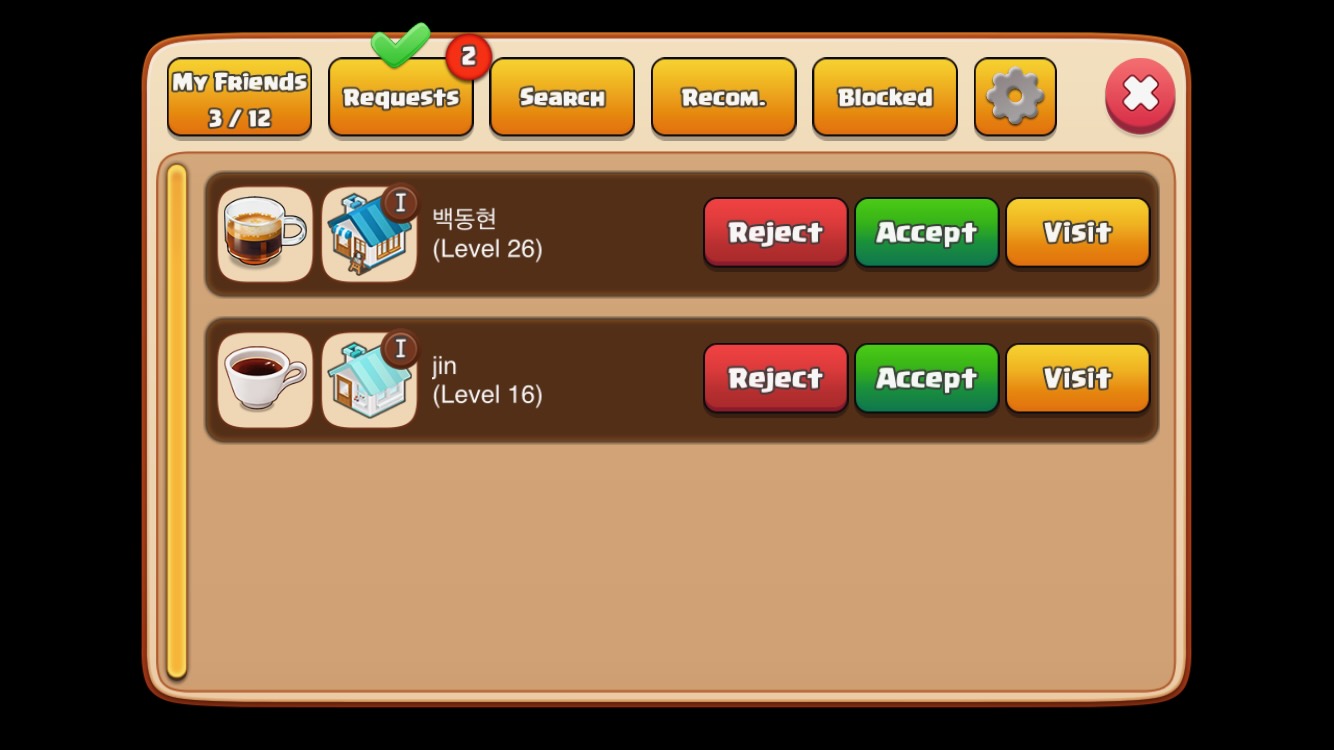
This is a list of users who have sent you friend requests.
You can accept or decline friend requests. (However, you cannot accept requests if you have reached the maximum number of friends.)
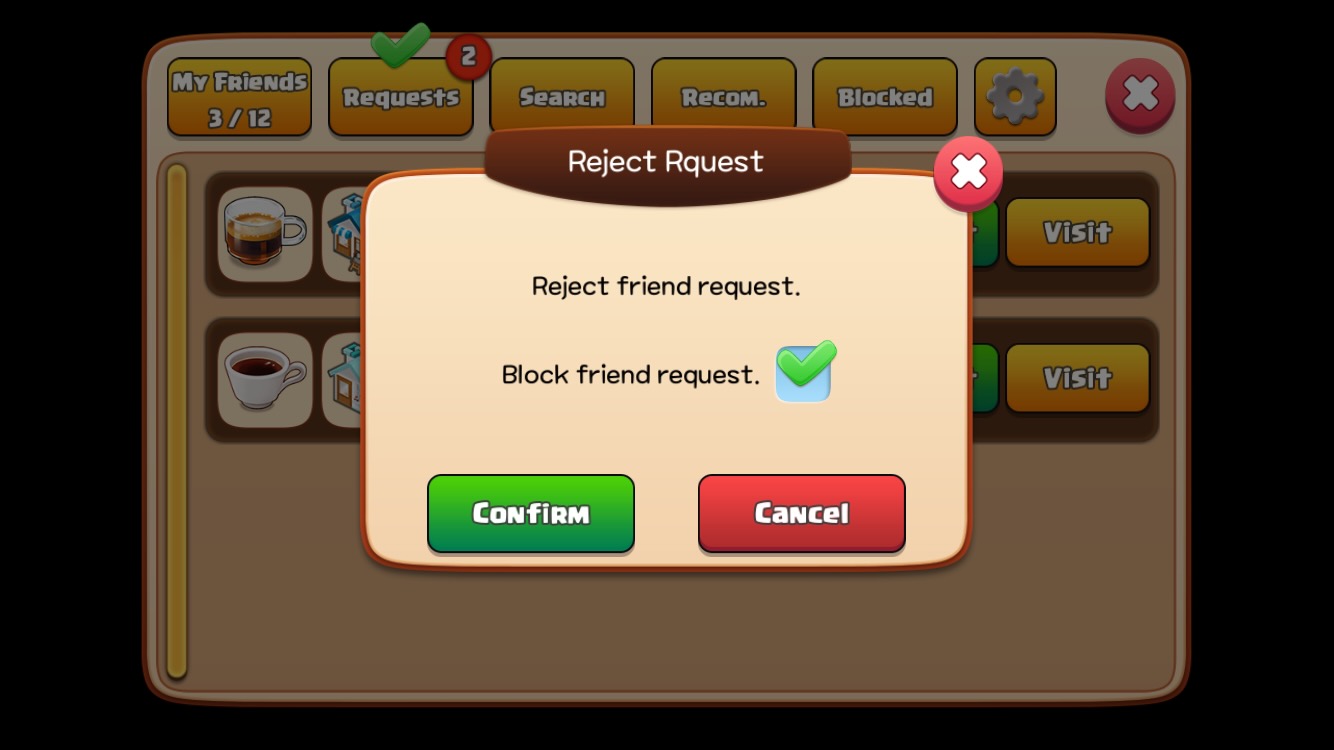
If you tap the 'Decline' button, a pop-up window will appear with an option to block friend requests from that user.
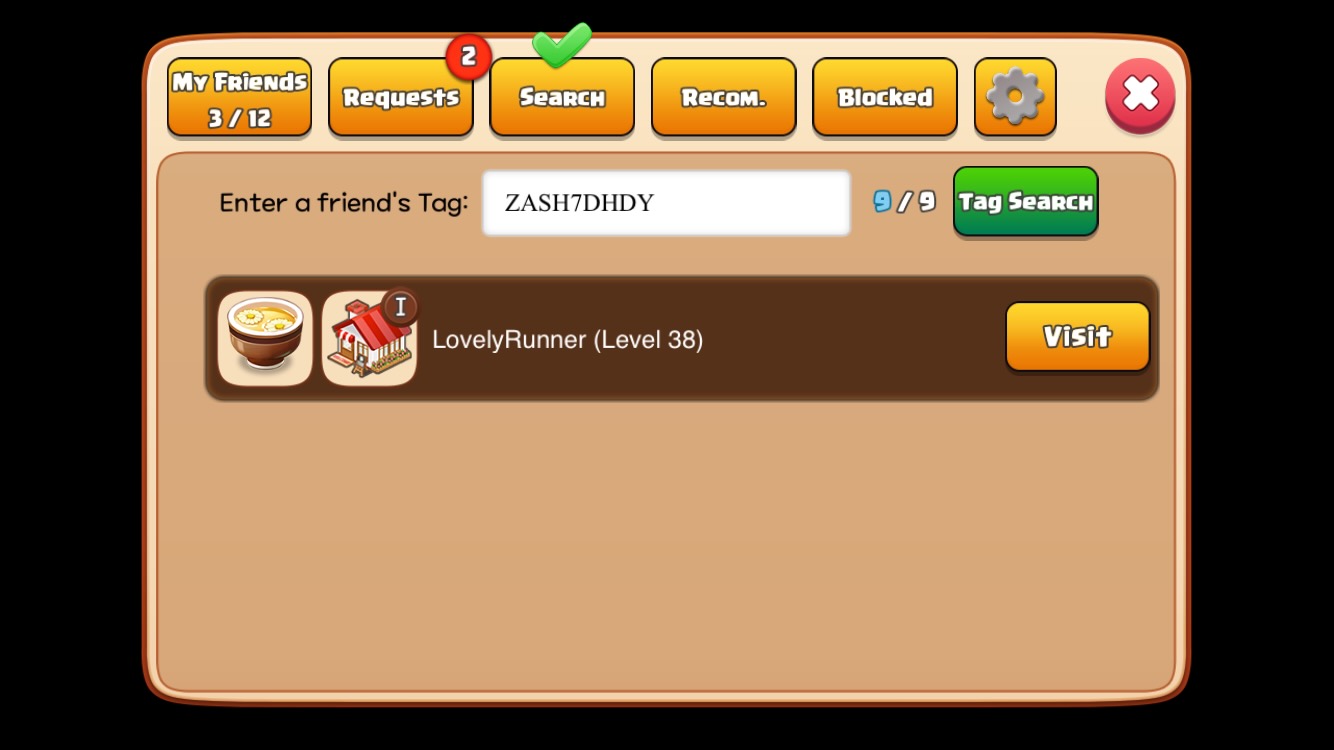
You can search for friends by their tag.
Users who have recently logged in and have a similar level to you will be displayed in the recommended friends list.
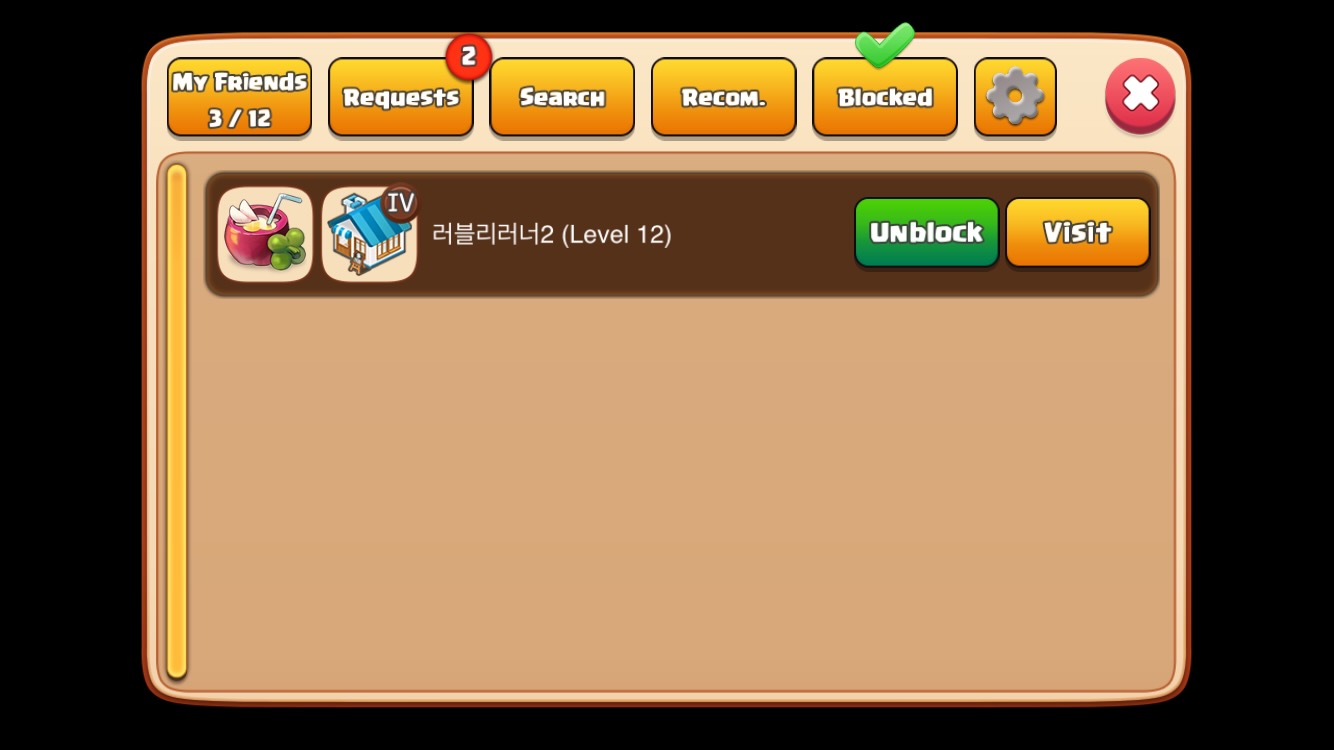
Blocked friends will appear in the blocked friends list. You can unblock them by tapping 'Unblock' to receive friend requests from them again.
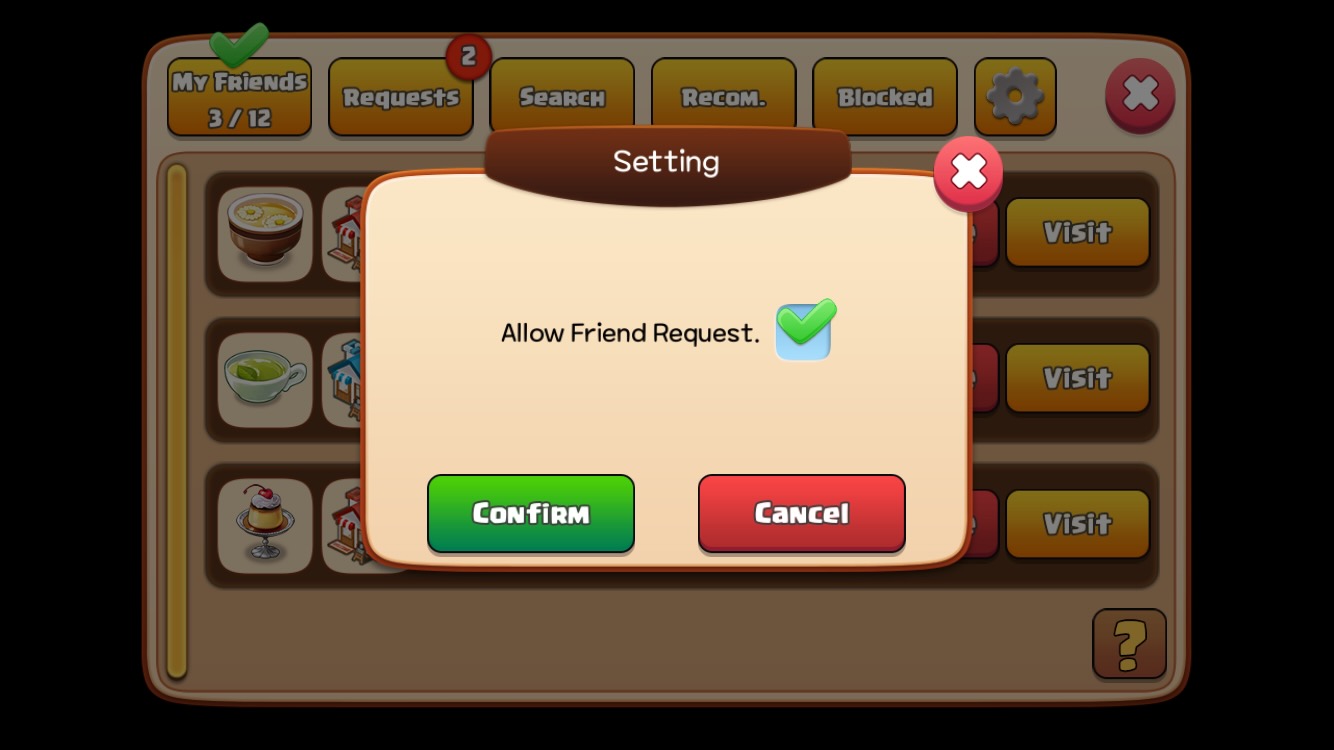
You can set whether to allow friend requests by tapping the gear icon in the upper right corner of the Friends window.
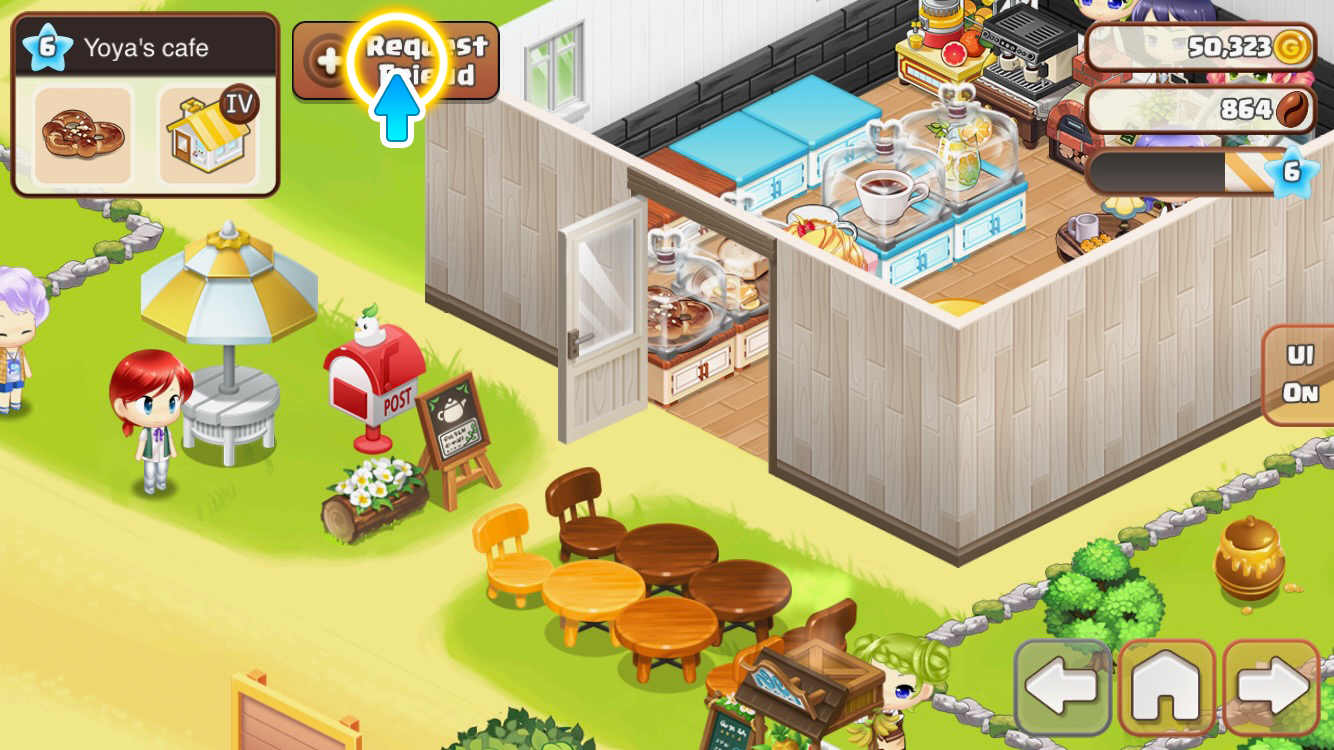
Visit a friend's shop and tap the 'Friend Request' button.
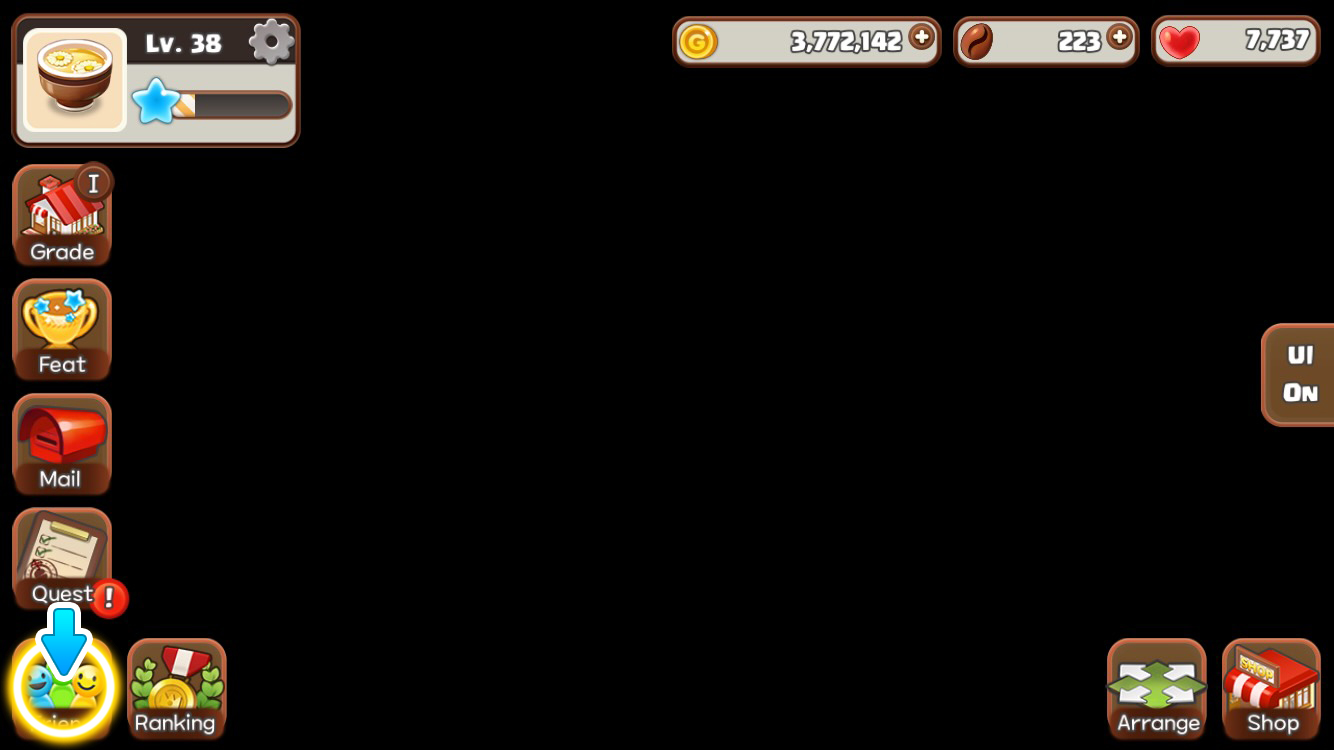
You can open the Friends window by tapping the friend icon in the lower left corner of the screen.