Storage
The Storage is where you store produced items and manage items for in-store sales, takeout orders, smart car deliveries, and boat orders.
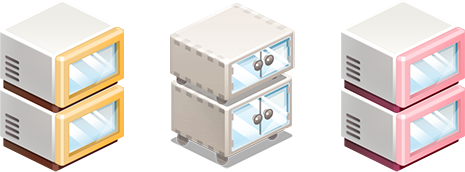
Each shop (Coffee Shop, Gift Shop, BBQ Shop) has its own Storage.
Storing Completed Items
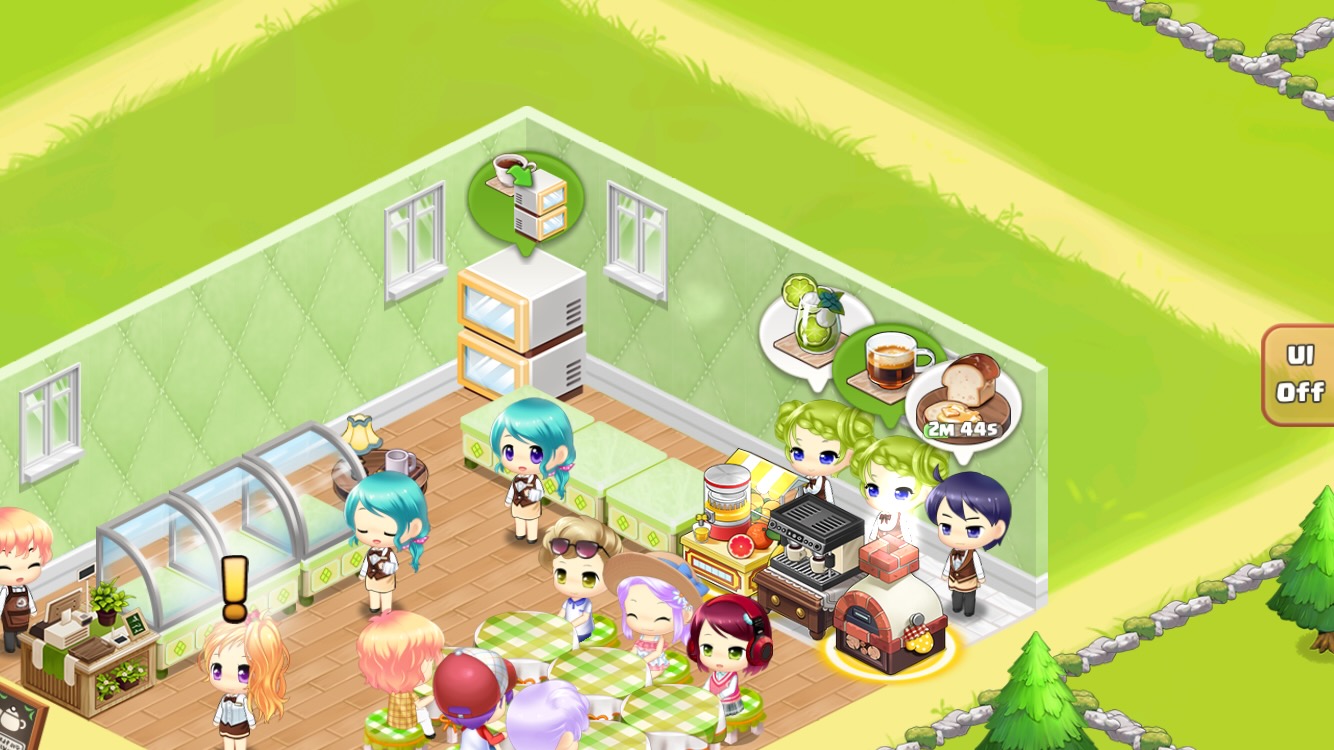
Ready for Storage: A green balloon appears above the storage.
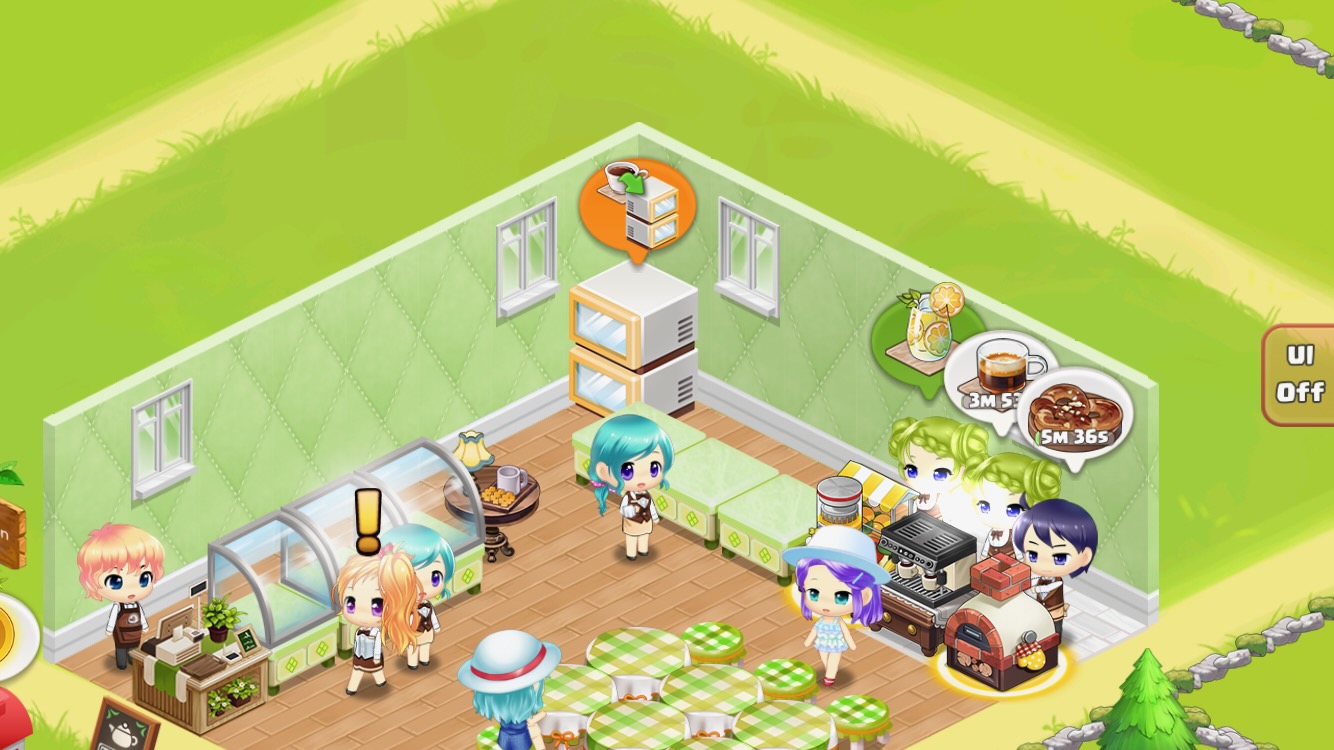
Insufficient Storage Space: An orange balloon appears above the storage.
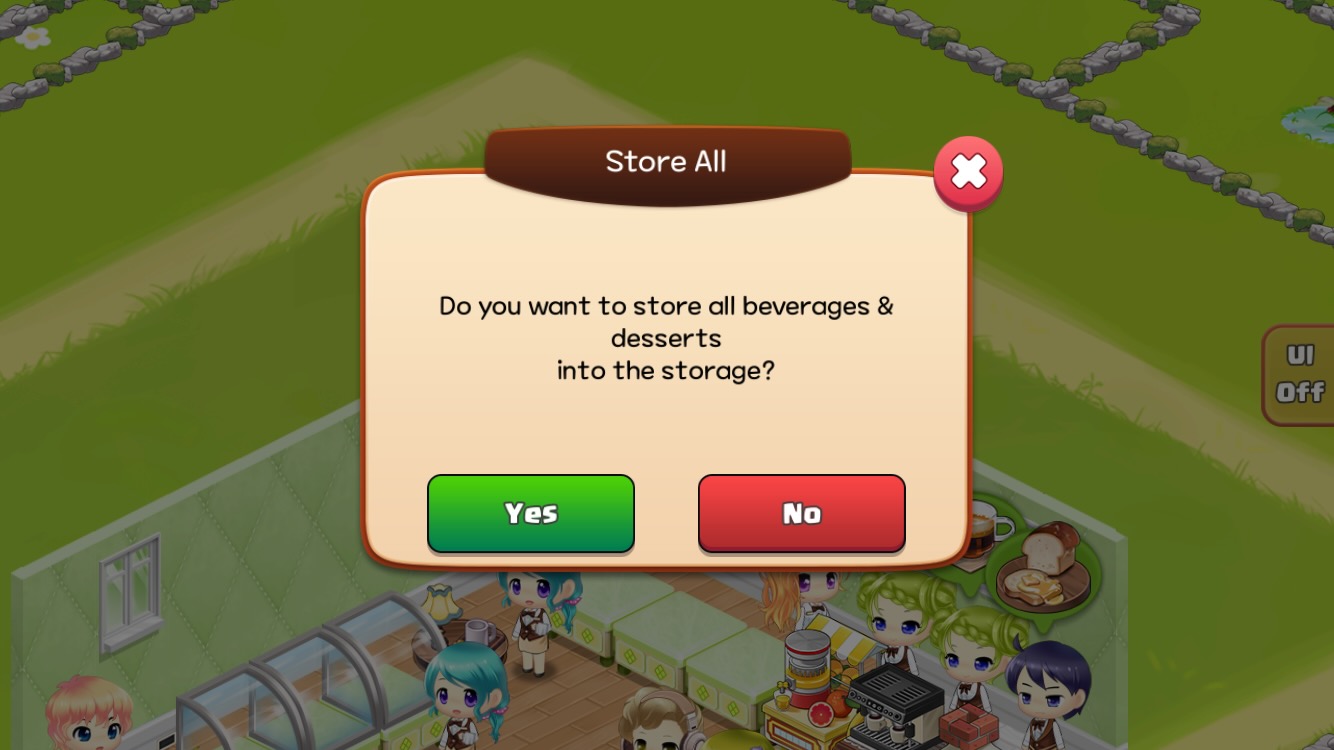
Store All at Once: Tap the green balloon to store all completed items.
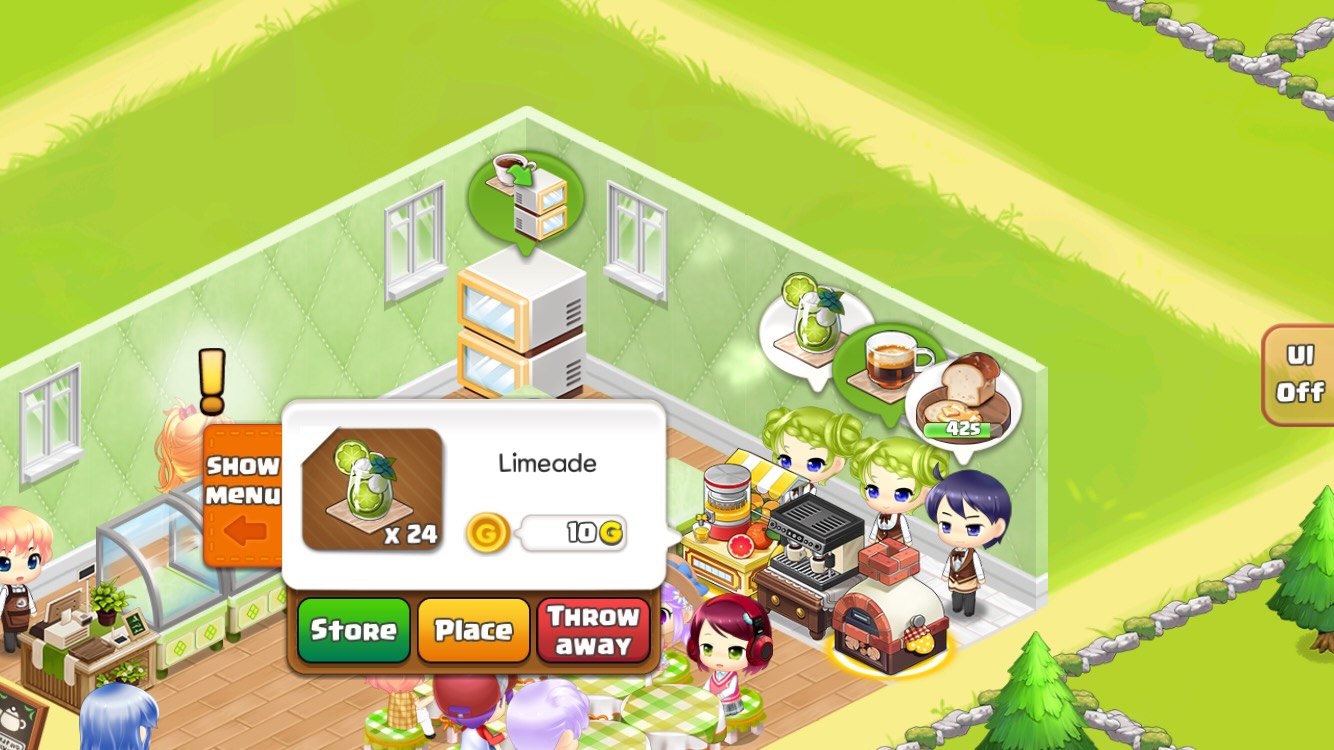
Store Individual Items: Tap the barista's speech bubble, then select 'Store' in the pop-up window.
Checking Barista Status
Green Balloon: All items produced, barista is resting.
White Balloon (No Time Display): One or more items completed, production in progress.
White Balloon (With Time Display): First item in queue is being produced.
Displaying Stored Items
To sell items in your shop, you must first place them on display stands.
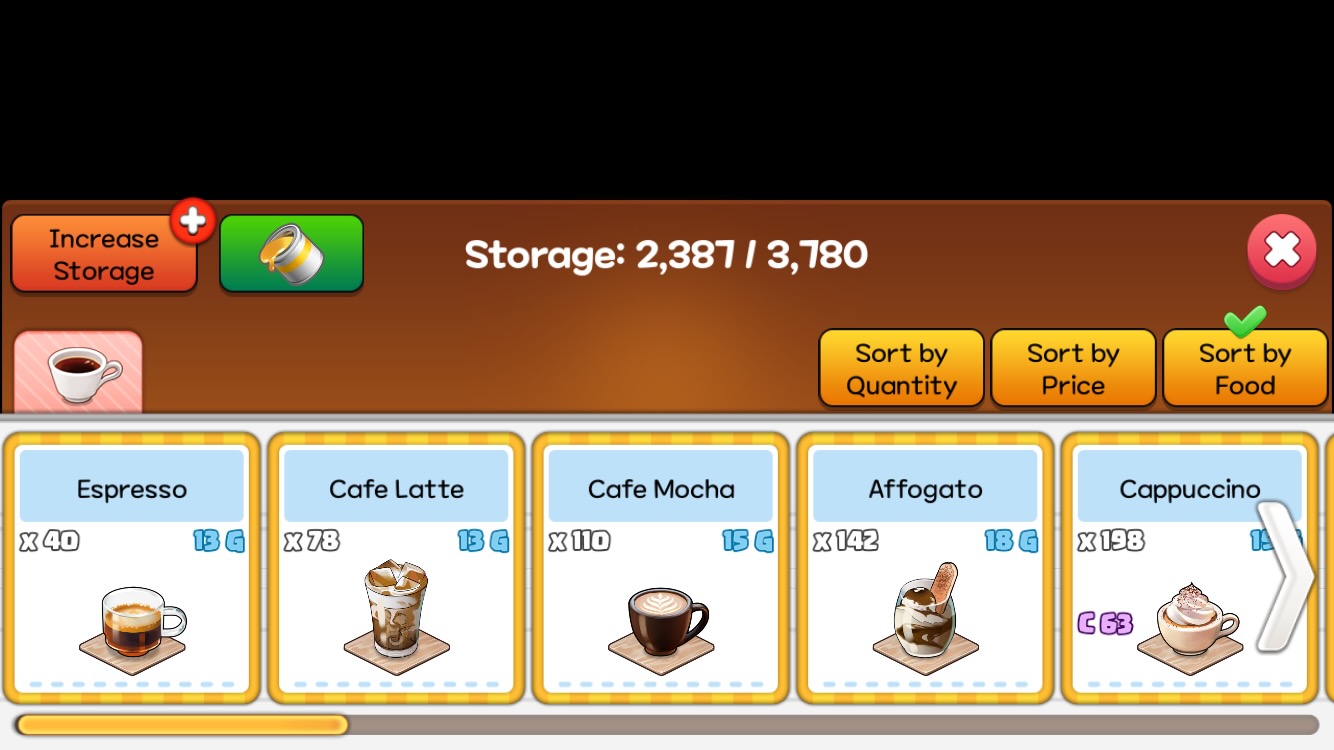
Tap Storage: Opens the storage screen.
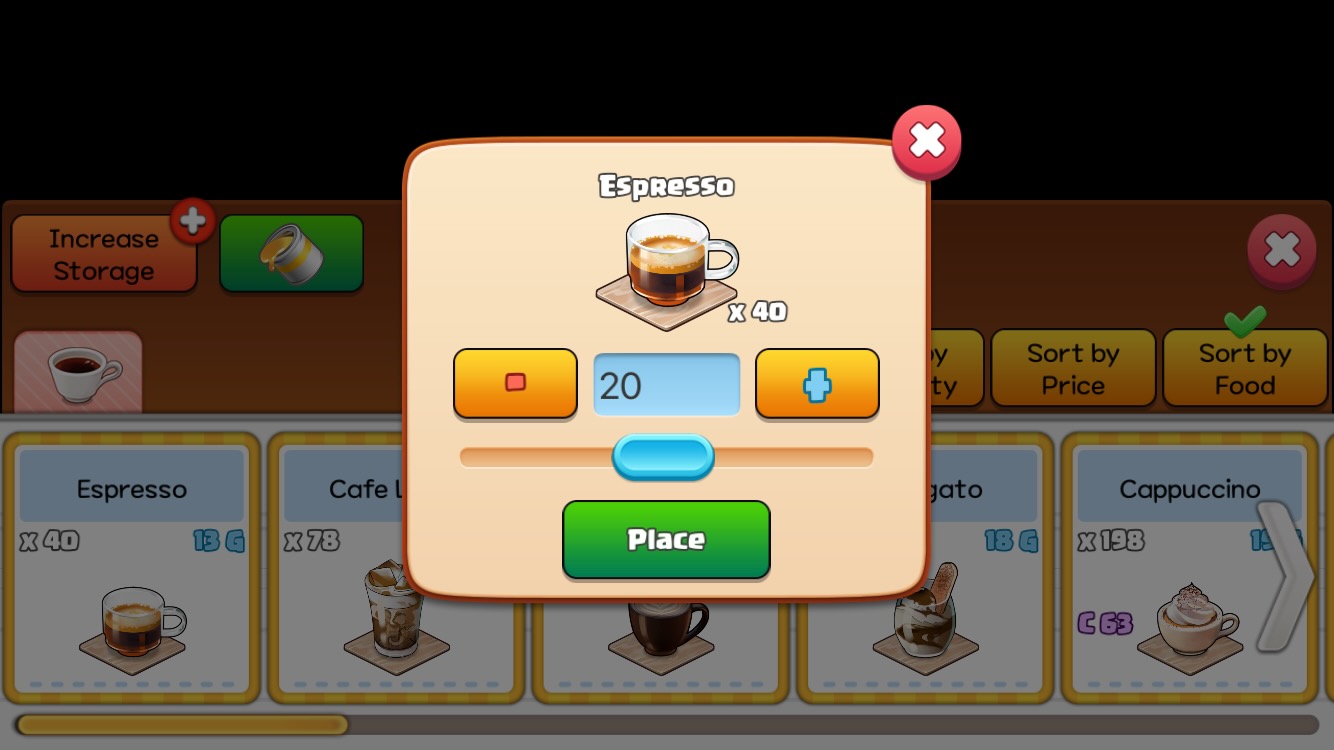
Select Item and Quantity: Select the item and quantity you want to display.
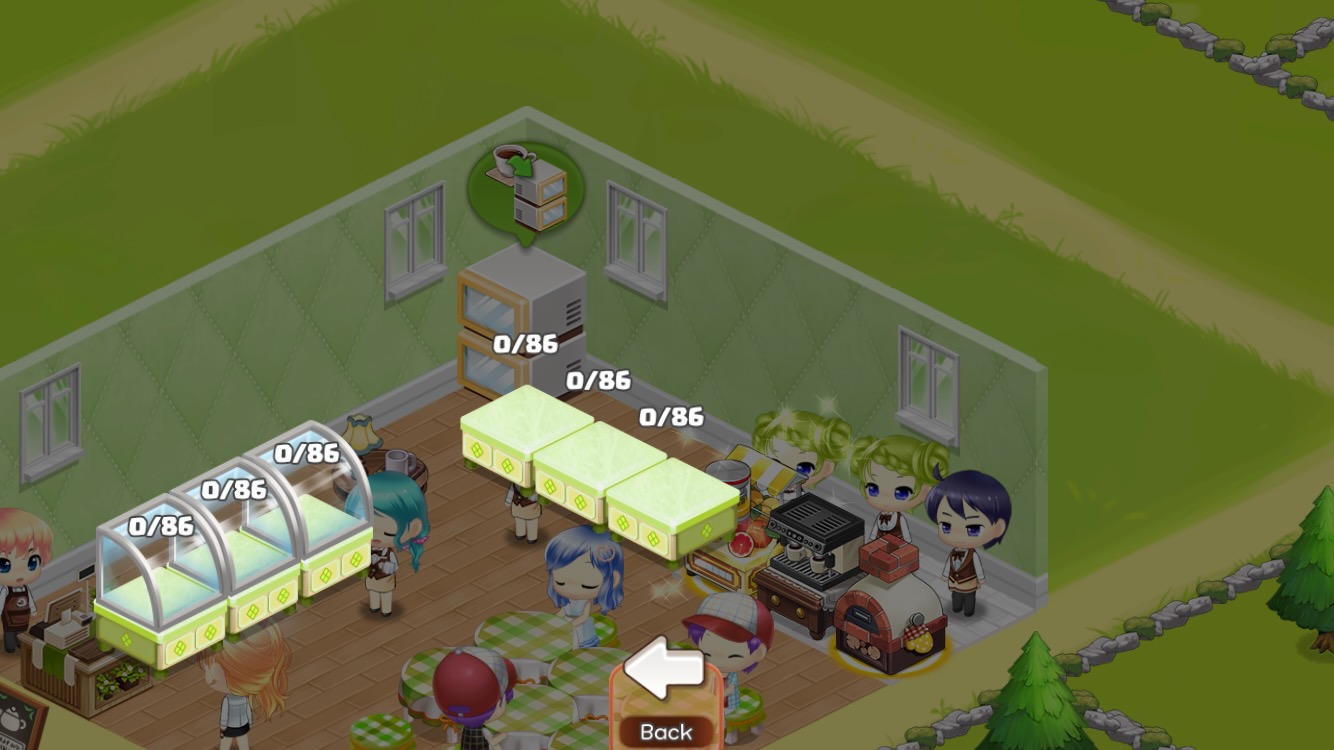
Tap 'Place' Button and Select Stand: The item will be displayed on the selected stand.
Items on display cannot be returned to storage or used for orders/deliveries.
Storage Upgrade
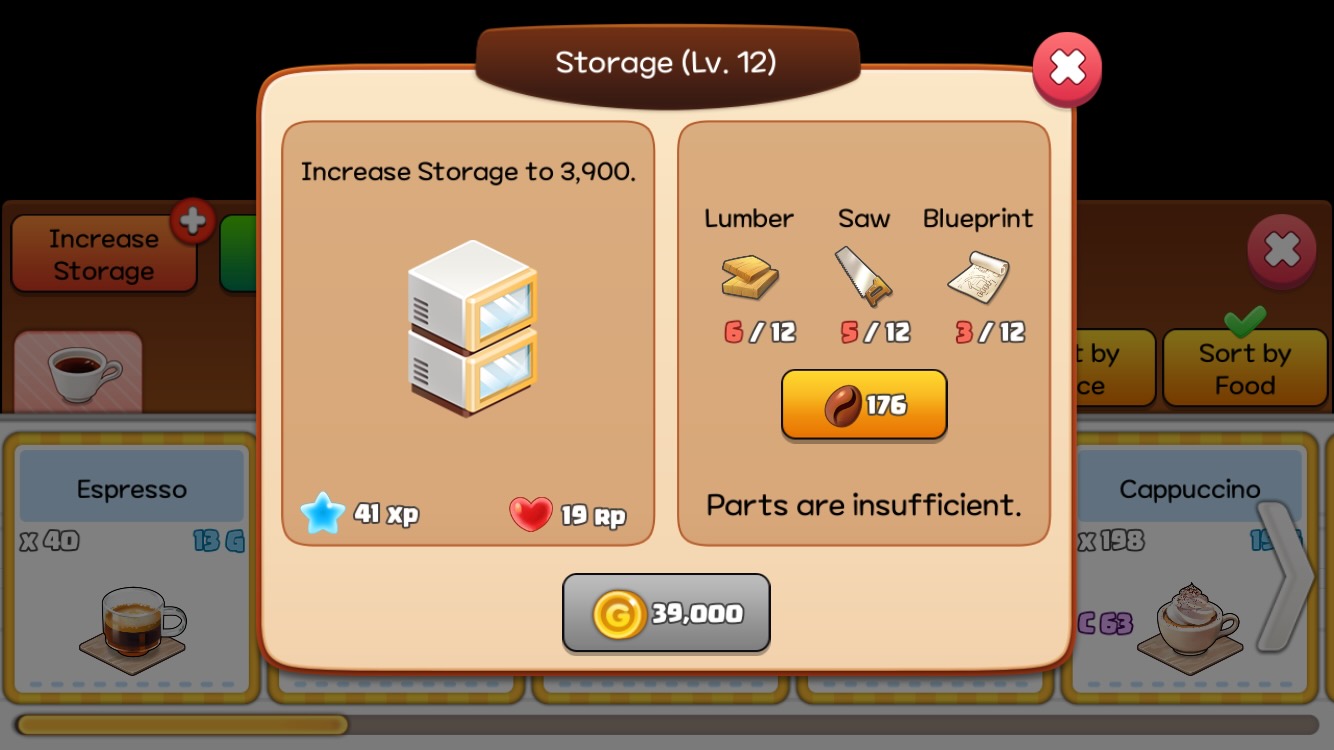
Tap 'Increase Storage' Button: Opens the upgrade pop-up window.
- Capacity Increase per Level: Increases by 300.
- Upgrade Materials: Requires Gold and parts.
Storage Color Unlock
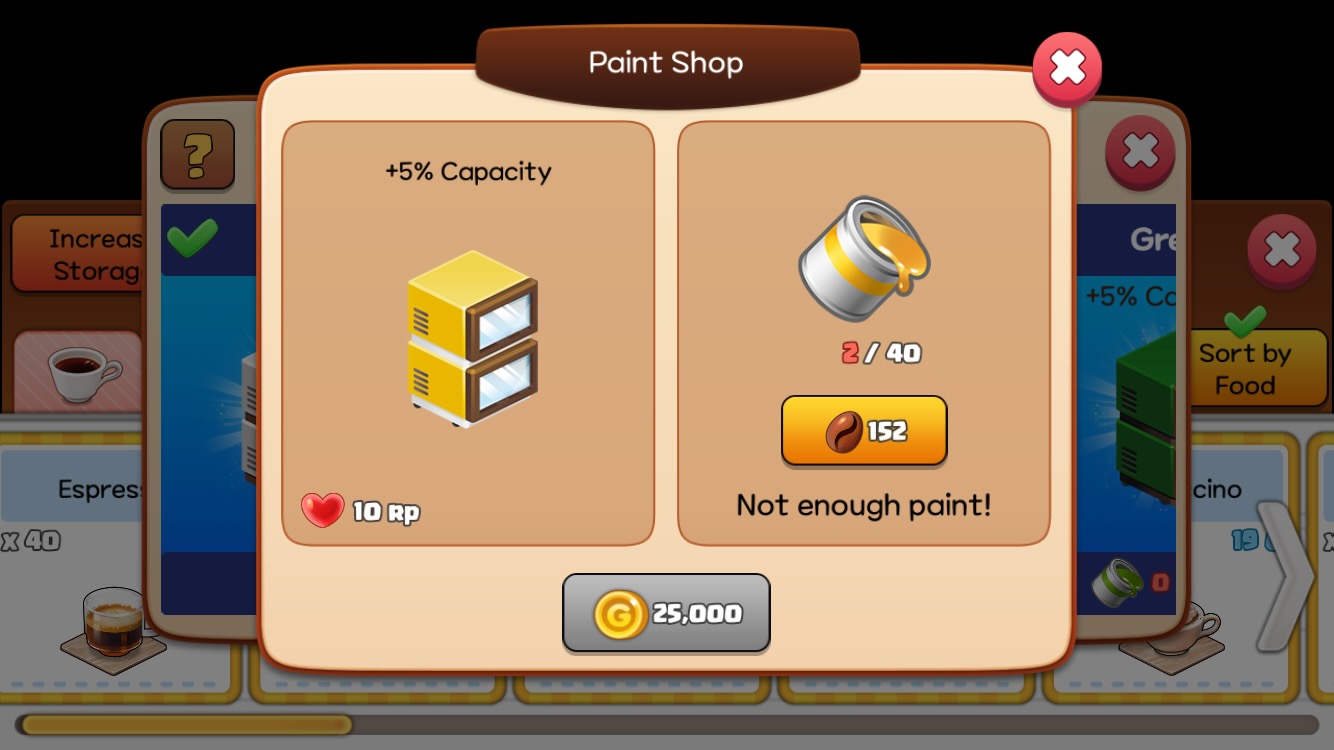
Tap 'Paint Icon' Button: Opens the paint shop pop-up window.
- Capacity Increase with Paint Color Unlocks: Increases by 5% for each paint color unlocked.
- Paint Materials: Gold and 19 paints of each color are required.
Maximum Storage Level and Capacity
| Max Level | Max Capacity(6 colors unlocked+Skill Level 6) |
| Coffee Shop | 36 | 16,380 |
| Gift Shop | 31 | 14,430 |
| BBQ Shop | 21 | 10,530 |