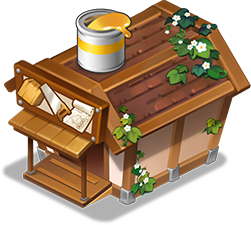
The Parts Storage is a space where you can store and manage both parts and paint.
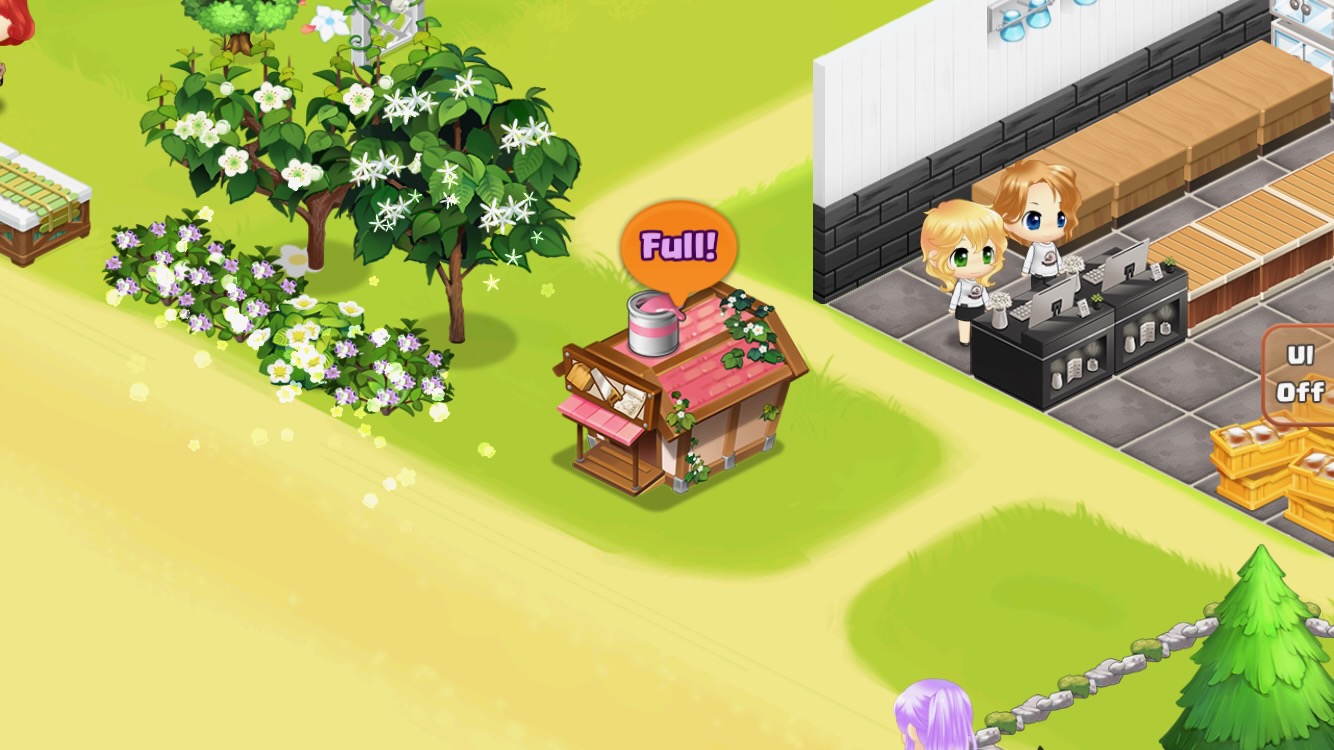
Insufficient Storage Space: An orange balloon appears above the storage.
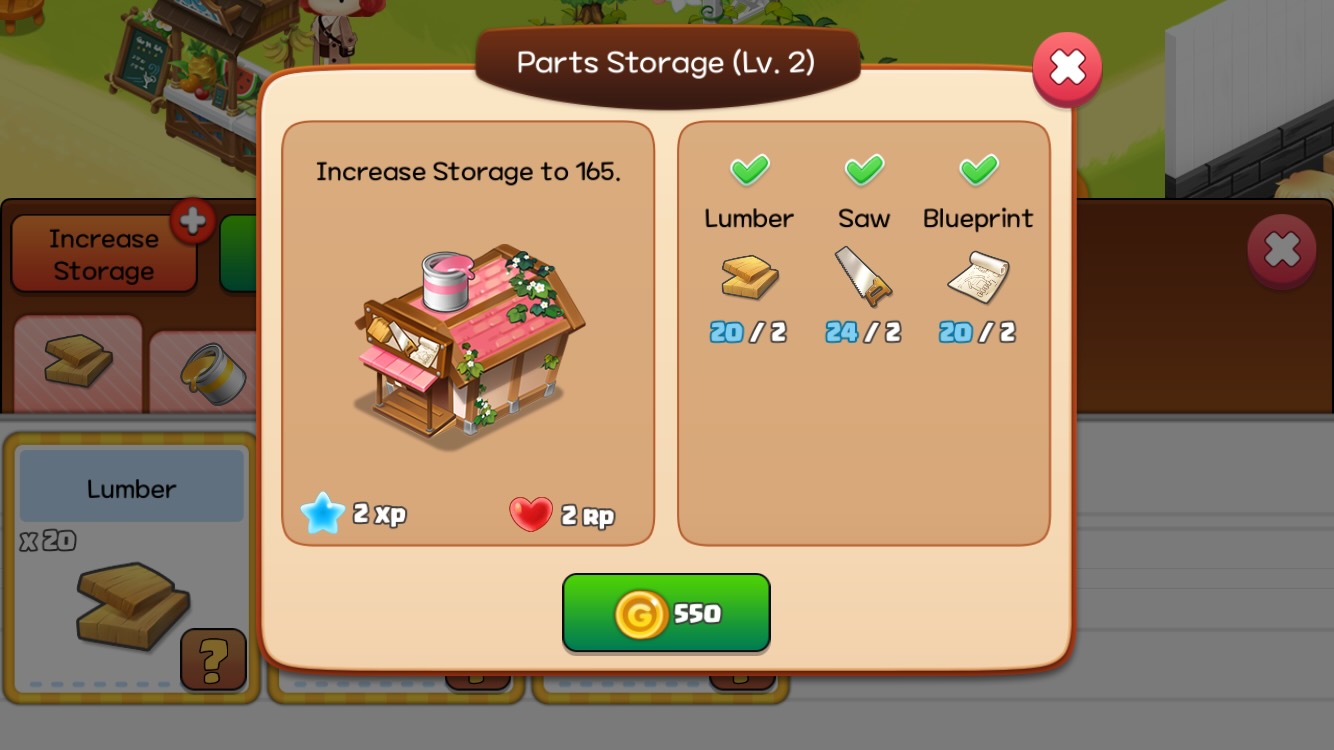
Tap 'Increase Storage' Button: Opens the upgrade pop-up window.
Upgrading increases your parts storage limit.
| Level | Capacity | Gold | Parts |
| 1 | 50 | ||
| 2 | 100 | 100 | 1 |
| 3 | 150 | 550 | 2 |
| 4 | 200 | 1,400 | 3 |
| 5 | 250 | 2,800 | 4 |
| 6 | 300 | 4,800 | 5 |
| 7 | 350 | 7,400 | 6 |
| 8 | 400 | 11,000 | 7 |
| 9 | 450 | 15,000 | 8 |
| 10 | 500 | 20,000 | 9 |
| 11 | 550 | 25,000 | 10 |
| 12 | 600 | 32,000 | 11 |
| 13 | 650 | 39,000 | 12 |
| 14 | 700 | 47,000 | 13 |
| 15 | 750 | 56,000 | 14 |
| 16 | 800 | 66,000 | 15 |
| 17 | 850 | 78,000 | 16 |
| 18 | 900 | 90,000 | 17 |
| 19 | 950 | 100,000 | 18 |
| 20 | 1,000 | 120,000 | 19 |
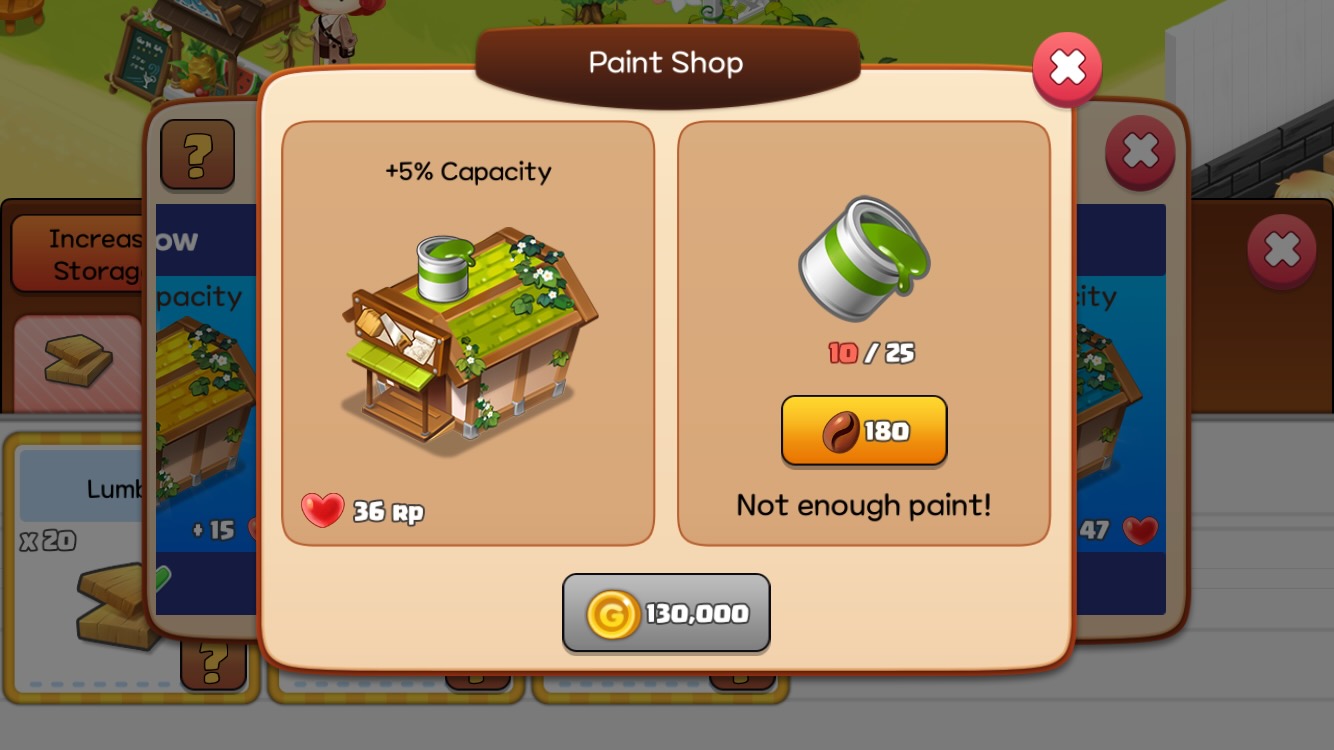
Tap 'Paint Icon' Button: Opens the paint shop pop-up window.